Feelings and Memories with Your Family
Heritage Keeper is the project JAP Software presented in the Codicon 2024 edition, finalizing on the 17th March 2024. This event is a 48-hour hackathon. The teams compete, creating software based on just one word. This year's word was "Transmisión" (transmission in English).
Transmission - passing something from one person or place to another.
The team and the project
I teamed up with two of my friends, Alfredo and Pedro. Both have experience working with web technologies, and we decided to build a web application for the event.
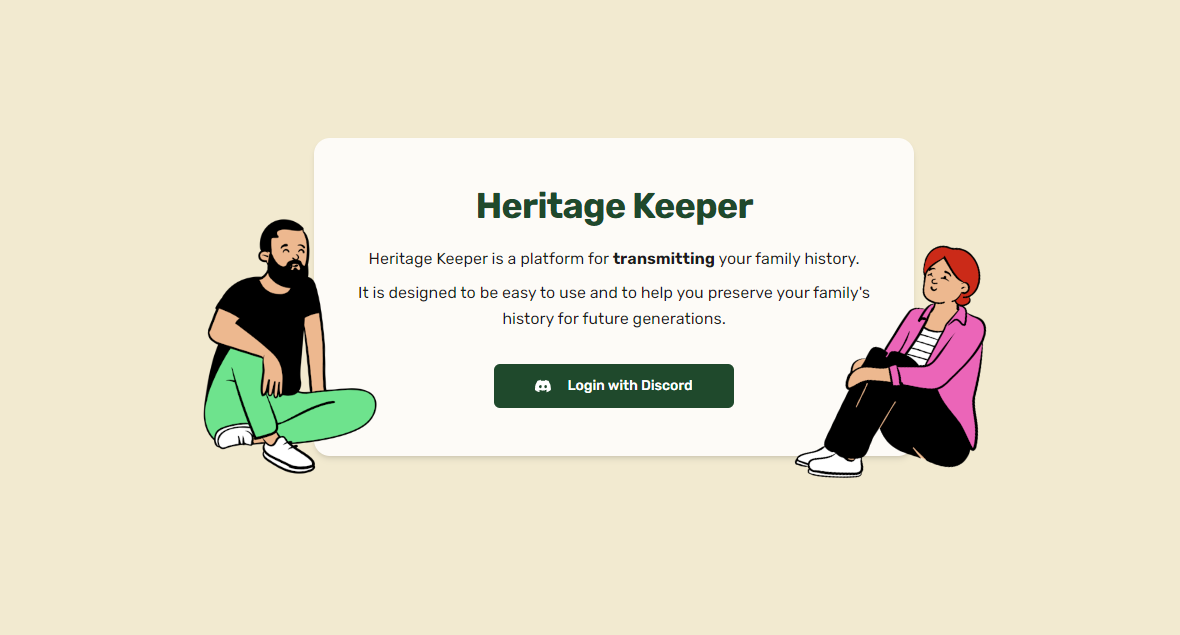
We used AI to brainstorm some quick ideas and settle on one that caught our attention: an application to store, share, and transmit, through generations, family memories and feelings. We called this app Heritage Keeper. In this article, I will outline the technical challenges, outcomes, and lessons from working on this project.
My role
We broadly sketched together the application core and separate duties early on. It ensured focus and ownership of each feature in the app, creating a better developer experience.
I worked around the application, creating the authentication, the CRUD for family members, and the original design and animation of the album's gallery. I made the color scheme and tone of the app, creating components that made sense and worked together.
Overall, I take ownership of this app. I made technical decisions and helped my peers. Together with the fantastic job of the team, we won 1st place in the competition.
Let's get to the matter: what did I learn?
One of the biggest problems we faced was choosing the right features. With limited time, we couldn't do something excessive or new. We started with an idea that was too ambitious. We needed to create something unique and fresh while keeping the features small. It wasn't an easy task.
The Auth
As I mentioned, I also worked on the authentication and authorization. Making sensitive content private is extremely important in Heritage Keeper. You don't want your precious photos for everyone to see, do you? Thanks to next.js and next-auth, I secured the application on the server. It was handy for a few reasons:
- Easier to manage. The frontend only holds a cookie, and the decoding happens on the server, meaning you don't need the context API or Redux for the global user state. You only need to fetch the user on the server and send their info to the client with props.
- The user is everywhere. Next's Route Handlers (their version of API routes) is a server component. You can access your user IN THE API with just a function.
- Entire layouts and routes blocking. With just one top-level layout, we can block access to the dashboard to any client without a user. Forget about adding the same logic to all your pages.
The design
I'm not the most enlightened designer. I choose shadcn-ui to create a more cohesive look for the application. I modified the color scheme to use green and cream.
The most difficult part was creating a contrast between background and foreground. I challenged myself with a color combo I never used. I also didn't go with the conventional white + contrast color route.
The biggest challenge: teamwork
I've been (technically) a solo developer for most of my career. I had coworkers help with features before, but not to this extent. I had to learn how to cooperate and cooperate with everyone's vision. After this project, I know I can rely on my team to create fantastic projects. I'd love to explore more on my role of leadership, helping them bring their ideas to life.